Build a Chrome extension
just by describing it
Describe your idea, preview it live in a real browser, and ship it to the Chrome Web Store. Icons, screenshots, and privacy policy included.
Chat to working code
Describe what you want. The agent writes a real Manifest V3 extension, file by file, in front of you.
Live browser preview
Your extension loads into a real Chrome session in the panel, so you can click through it instantly.
Compliance, handled
Auto-generated privacy policy, permission justifications, and a linter that catches what gets extensions rejected.
One prompt to published
Icons, screenshots, a hosted home page, and a guided publish straight to the Chrome Web Store.
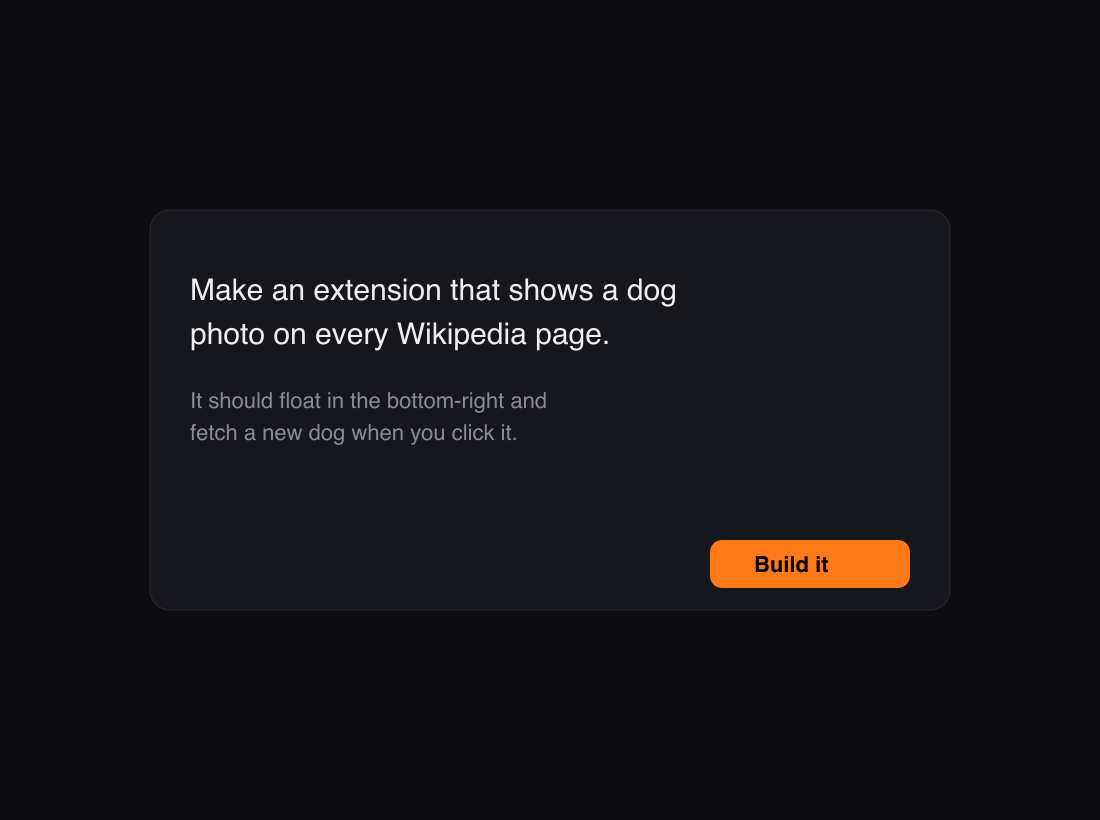
Describe your idea in plain English
Tell Extension Coder what you want in a sentence or two. It writes a real Manifest V3 extension, file by file, while you watch. No boilerplate, no build config, no copying from tutorials.
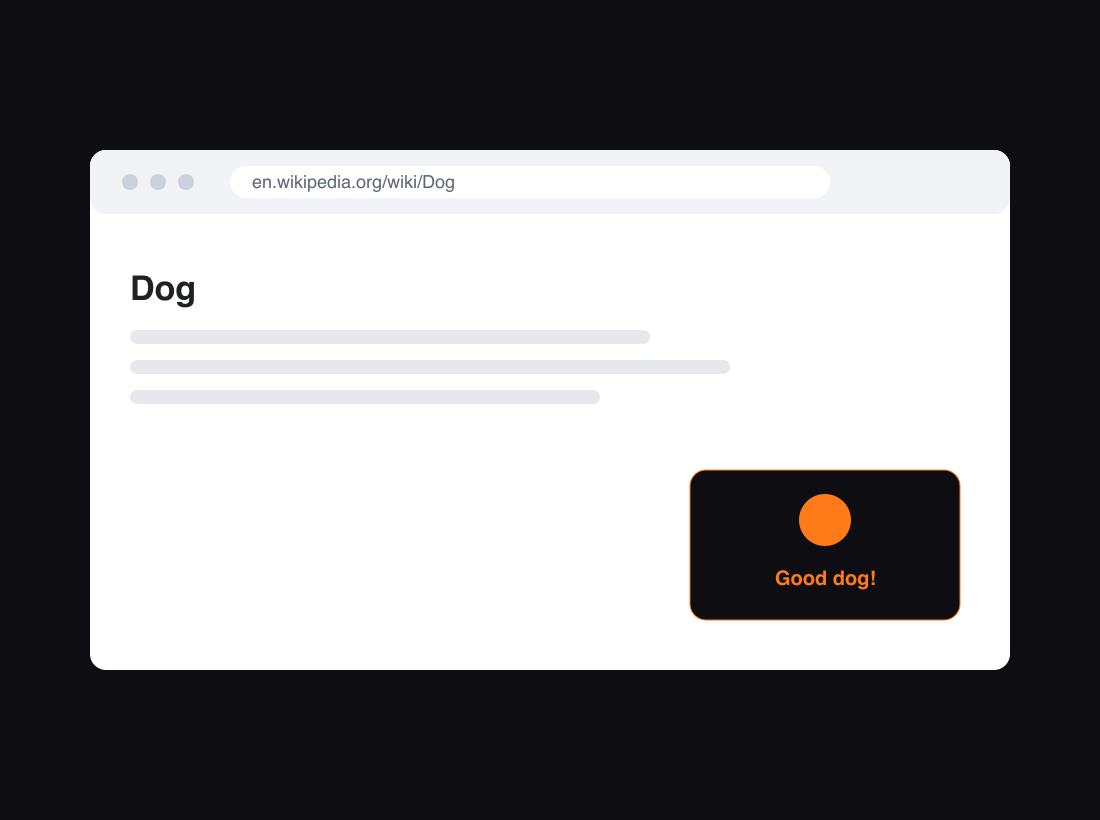
Preview it live in a real browser
Your extension loads into a real Chrome session right in the panel. Click through the popup, watch your content script run on real pages, and refine it by chatting. No local setup or load-unpacked steps.
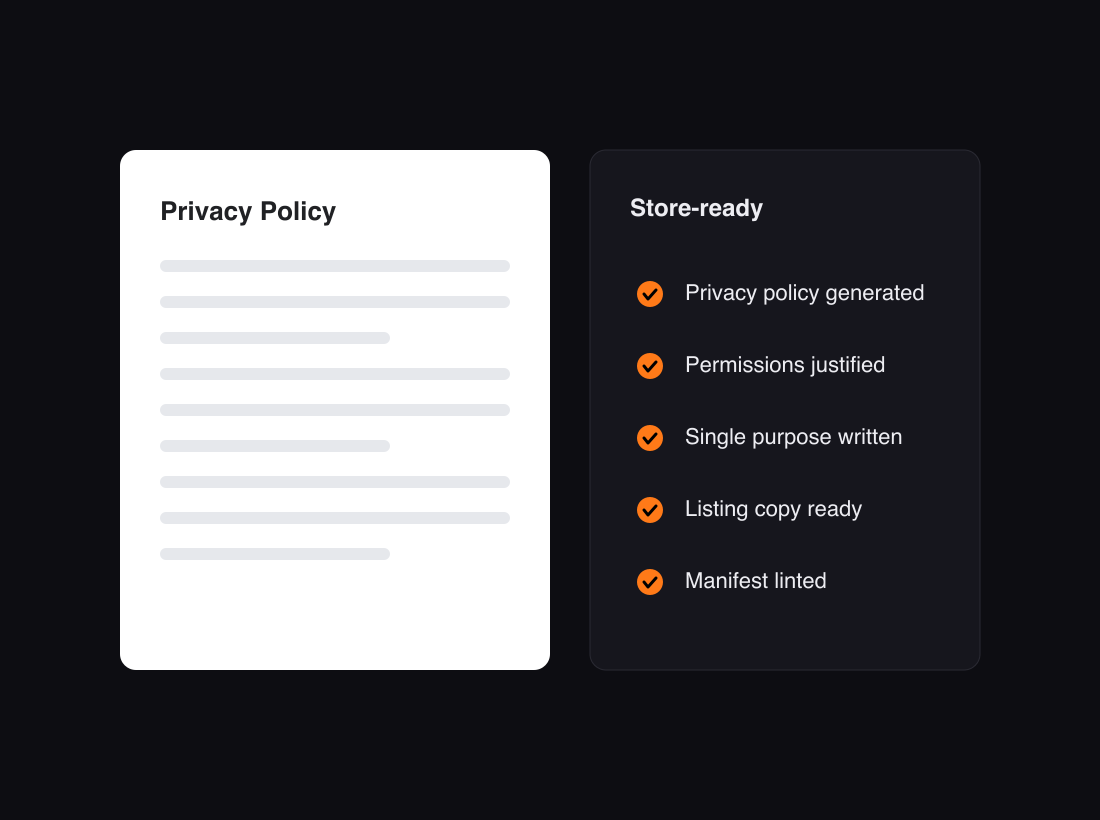
Privacy policy and permissions, generated
Publishing needs a privacy policy, permission justifications, a single-purpose statement, and a clean manifest. Extension Coder writes all of it and lints your extension for the things that get submissions rejected.
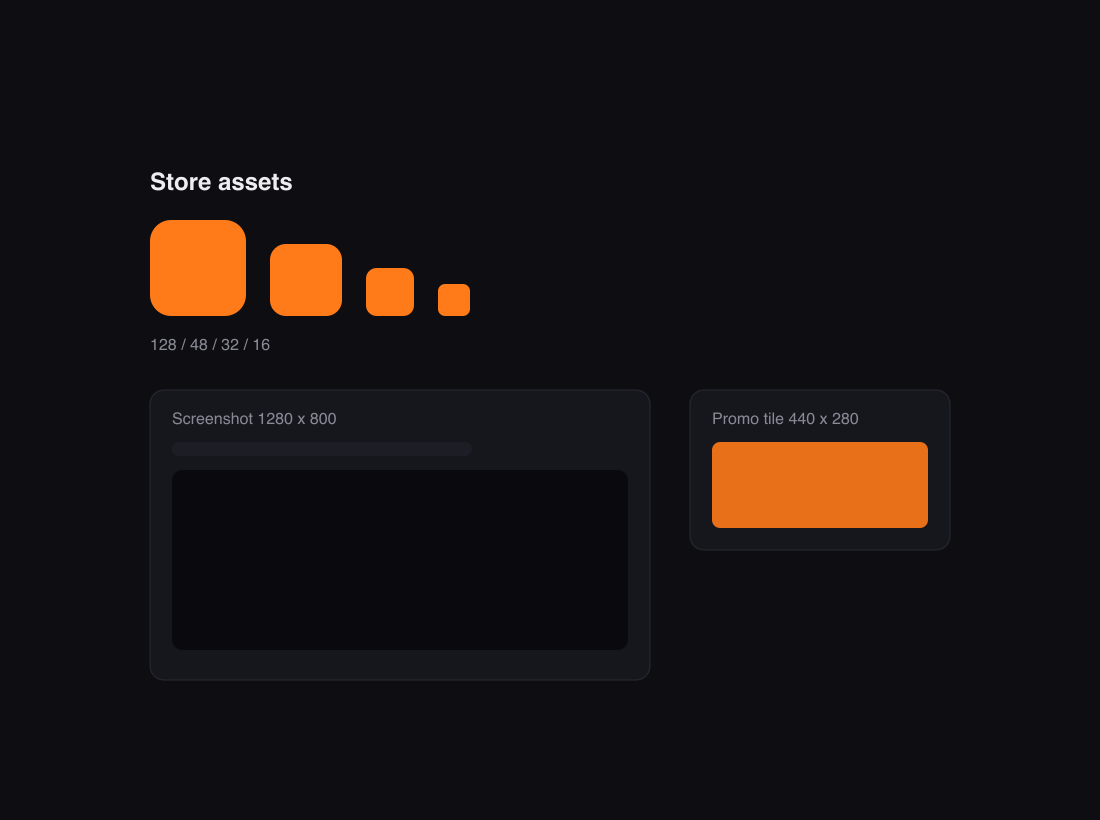
Store assets in one click
Get the icons (16, 32, 48, and 128), a 1280 by 800 screenshot, and a 440 by 280 promo tile generated and ready to upload. Everything the Chrome Web Store listing asks for.
From idea to the Web Store
Describe it
Tell us the extension you want in plain language.
Preview & refine
Watch it build, try it in a live browser, and tweak by chatting.
Ship it
We generate the assets and legal pages and walk you through publishing.
Frequently asked questions
Do I need to know how to code?
No. You describe what you want and Extension Coder writes the extension. You can read the code and change it by chatting, but you do not have to.
What kinds of extensions can I build?
Most Chrome extensions: content scripts that change web pages, toolbar popups, options pages, context-menu items, and more. Everything is generated as a Manifest V3 extension.
Can I publish to the Chrome Web Store?
Yes. Extension Coder generates the listing assets and legal pages and walks you through publishing. You will need a Chrome Web Store developer account, which is a one-time $5 fee paid to Google.
How long does Chrome Web Store review take?
Usually a few days, sometimes longer for extensions that request broad permissions. Extension Coder keeps permissions minimal to help review go smoothly.
Do I own the extension I create?
Yes. The code and the extension you build are yours.
Can I edit the generated code?
Yes. You can review every file and refine the extension by chatting. The output is a normal Manifest V3 project, not a locked black box.
What will you build?
Start with a sentence. We handle the rest.